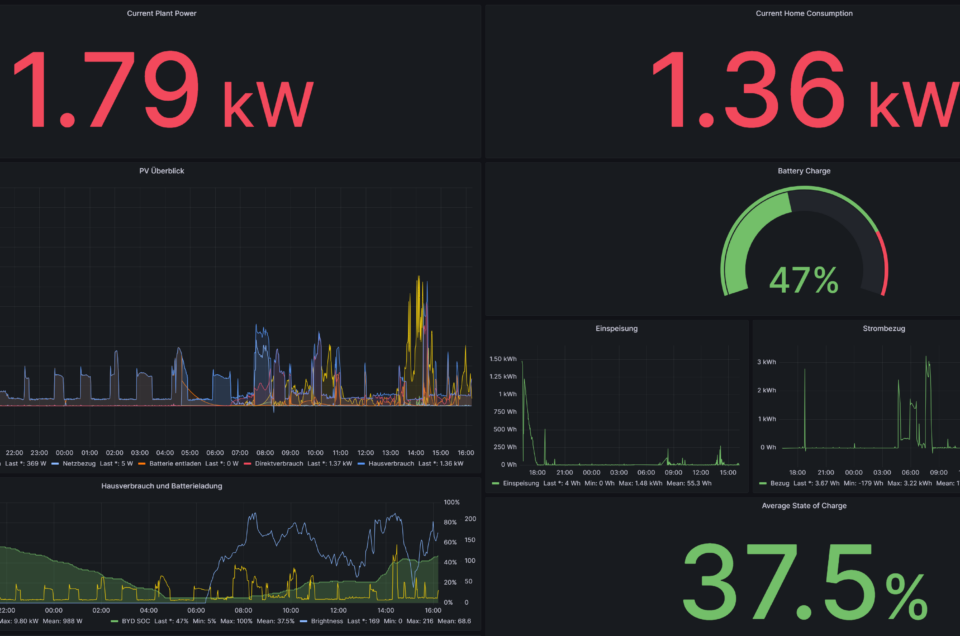
Have you ever looked at the sleek panel of an aircraft cockpit and wondered “what else could I use this for?” That’s exactly how my journey began — not in a hangar, but at my kitchen table, coffee in hand, curiosity in charge.
In aviation, pilots interact with a Multipurpose Control and Display Unit (MCDU) — a compact panel of keys, a crisp display, and satisfying tactile feedback. There’s something almost poetic about pressing those buttons and navigating menus with confidence. I asked myself: what if I could bring that same clarity and purpose into my smart home?
This curiosity led to a fusion of worlds — aviation heritage and home automation — culminating in my own ioBroker MCDU adapter: ioBroker.mcdu on GitHub.
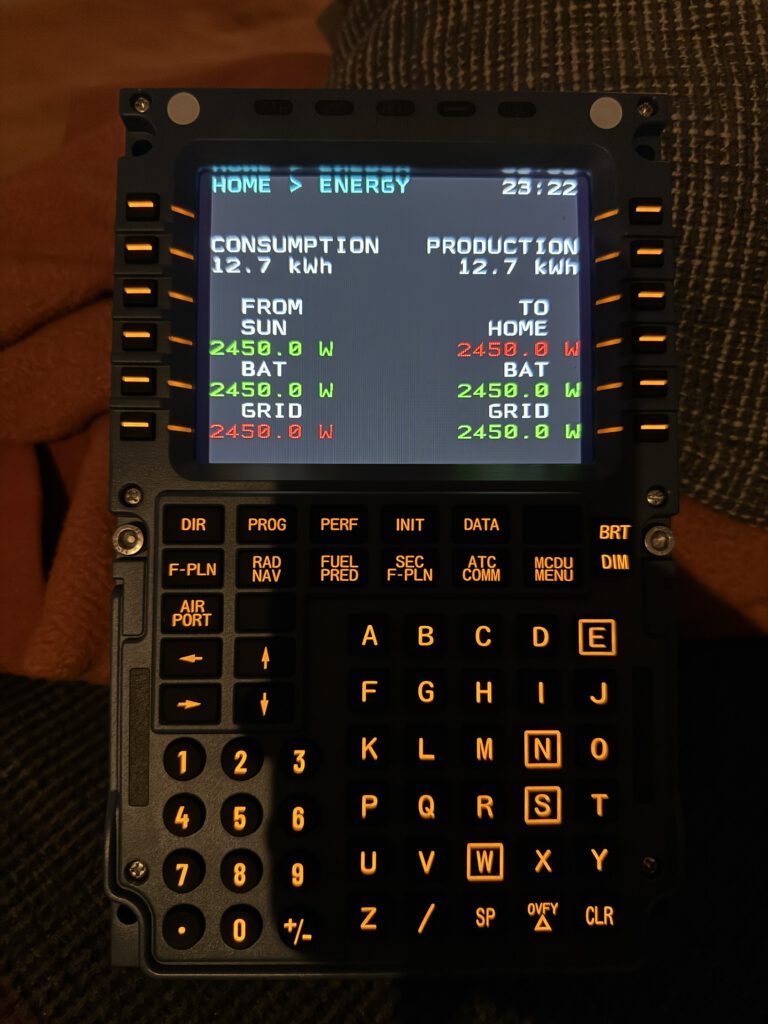
A New Kind of Smart Home Control
Most smart home interfaces live on apps or voice assistants. Powerful, yes — but fleeting. A single glance, a tap, and it’s gone. The MCDU is different. It’s a control instrument designed for precision and intention.
Instead of swiping through endless menus, you press a button, navigate, select a room or device, and know exactly what will happen next. Every input is deliberate. Every menu choice gives clear feedback. The result is a control paradigm where interaction itself becomes meaningful.
Architecture — Leveraging MQTT for Smart Home Integration
At the heart of the system is MQTT, a lightweight messaging protocol that allows my MCDU to communicate seamlessly with my smart home.
Here’s the concept:
- MCDU Client – Runs on a Raspberry Pi, handling button input, display updates, and LED feedback.
- MQTT Broker – Acts as the message hub, passing commands between the client and my smart home devices.
- ioBroker Adapter – Bridges MQTT messages to my smart home ecosystem, turning button presses into actions like lighting, shades, or scenes.
This architecture keeps everything modular and resilient — the MCDU doesn’t need to know the details of every device, it just sends and receives structured messages.
Reverse Engineering with AI — How Claude Code Made This Possible
This project would not have been possible without AI. I leveraged Claude Code throughout the reverse engineering and development process:
- Had Claude Code write the initial USB driver for the MCDU device.
- Used trial and error to decode button inputs, display signals, and LED outputs.
- Mapped all buttons to their corresponding values, creating a mental model of the device.
- Worked with AI to envision the overall architecture, then developed the MCDU client and ioBroker adapter.
- Relied heavily on context engineering and iterative Claude commands/agents to refine both architecture and implementation.
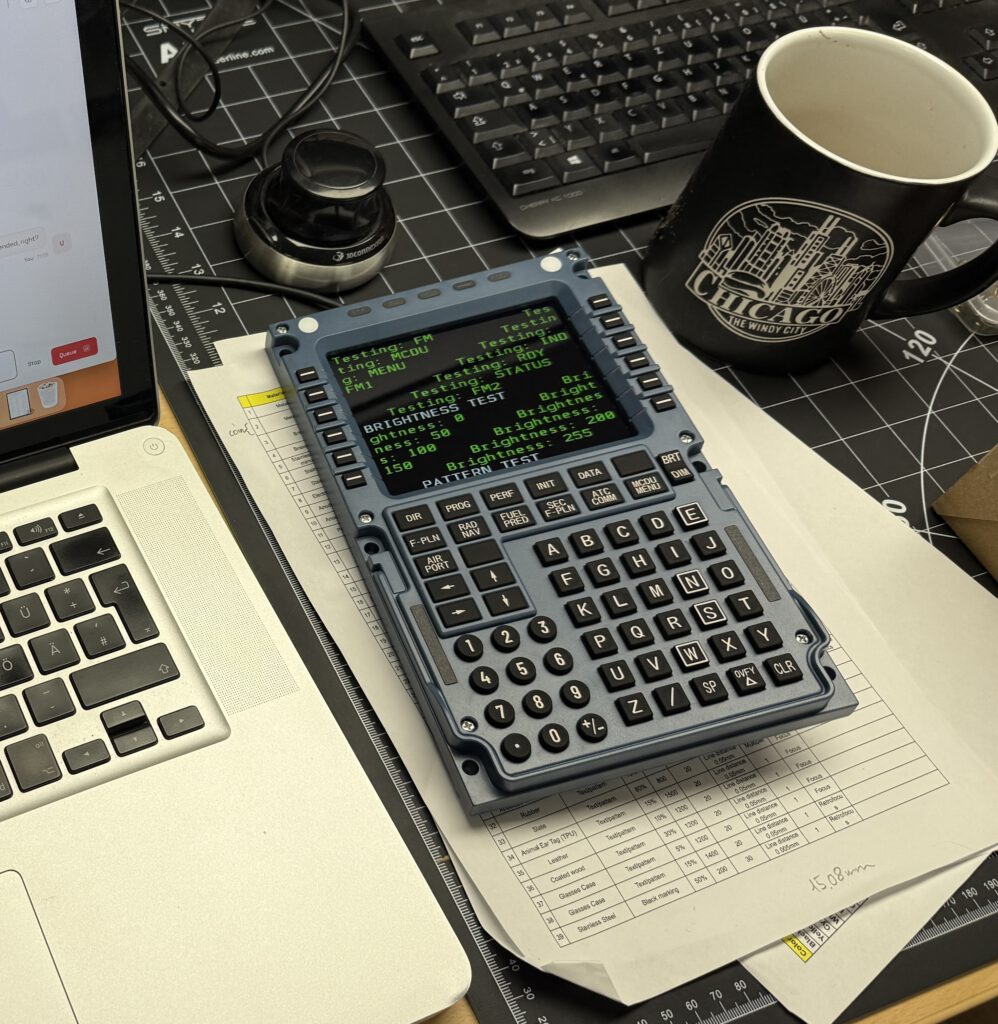
In short, Claude Code didn’t just help me write code — it helped me think about the problem, test ideas, and arrive at a reliable solution much faster than trial-and-error alone would allow.
Hurdles and Challenges
Even with AI assistance, the journey was not without its bumps:
- Display Reverse Engineering: The MCDU uses a streaming display. Capturing the right signals required experimenting with different display drivers on Mac and Linux.
- Closed-Loop Testing: To speed up troubleshooting, I hooked Claude Code directly into my development server and the Raspberry MCDU client. This allowed instant feedback in a controlled learning loop.
- Adapter Configuration: Getting the ioBroker adapter just right involved learning the platform from scratch. This was my first adapter, and I learned a lot about configuration, messaging, and best practices.
Every hurdle reinforced the need for patience, methodical testing, and iterative design.
Key Learnings
This project reinforced several important principles:
- Context is everything in AI coding. Precise instructions and clear objectives made all the difference.
- Start with the concept first — design the PRP (purpose, requirements, plan) before diving into code.
- Leverage existing proven patterns like MQTT. There’s no need to reinvent the wheel.
- Keep it simple at first, then improve iteratively. Start with a functional MVP and expand features once the core is solid.
These lessons apply not only to home automation but to any complex project that combines hardware, software, and AI.
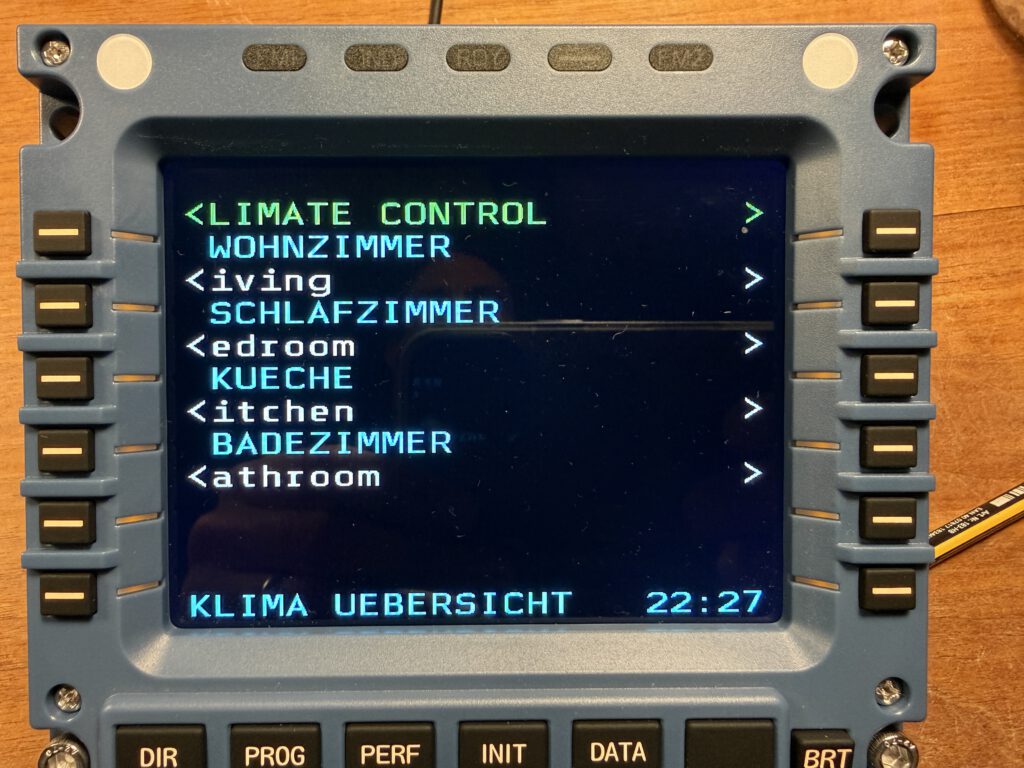
The Result — A Delightful, Purposeful Interface
Now, walking up to my MCDU feels like stepping into a cockpit of intention. Each button press, each menu navigation is satisfying, clear, and fun. Friends may have thought it was a quirky hack at first, but it quickly became evident: this is a new kind of interaction for the smart home — deliberate, tactile, and thoughtfully designed.
If you want to explore it yourself, check out the project: ioBroker.mcdu on GitHub.

You might also like